

Tonight’s weather, on 1984 Japanese TV.
Telop rebuilds a 1984 Japanese TV forecast, card by card, and fills it with tonight’s real weather for the nearest of seventeen cities, from Kansai to London. In many of them, your local teams’ scores and the trains come on too. Free, for iPhone with iOS 18 or later. Coming soon to the App Store.
What’s on
The weather cards are filled with the day’s real forecasts and observations. In most cities the opening title runs over a satellite picture from the past few hours, then a clock card gives the time. Weather warnings get a card in Japan, the U.S. and Canada. So does a night with something to see in the sky: a lunar eclipse, a meteor shower, a harvest moon.
-
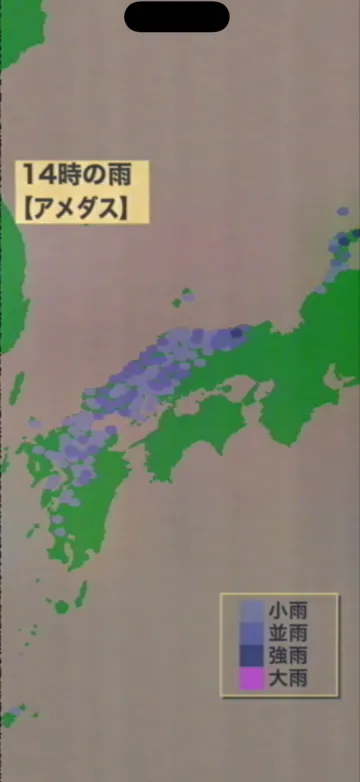
Rain
Rain from radar, or from a weather model where there’s no radar; in Kansai, from Japan’s AMeDAS rain gauges. Each card is stamped with the hour it shows.
-
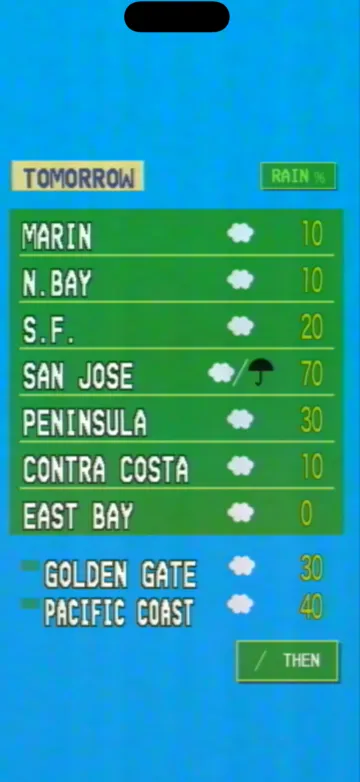
Chance of rain
Tomorrow’s chance of rain for each area, with its weather mark.
-
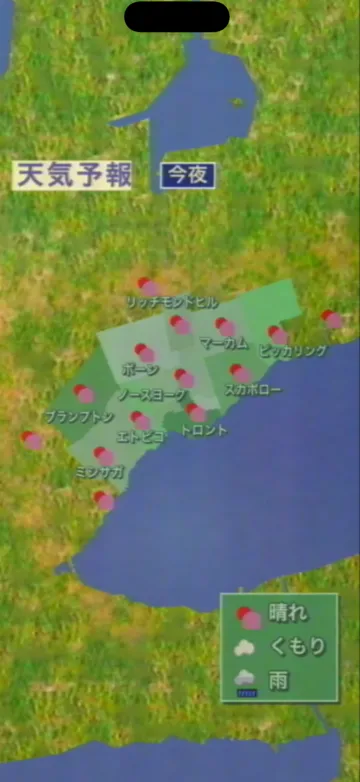
Tonight and tomorrow
Weather marks for tonight and tomorrow across a map, with a key for fine, cloudy and rain.
-
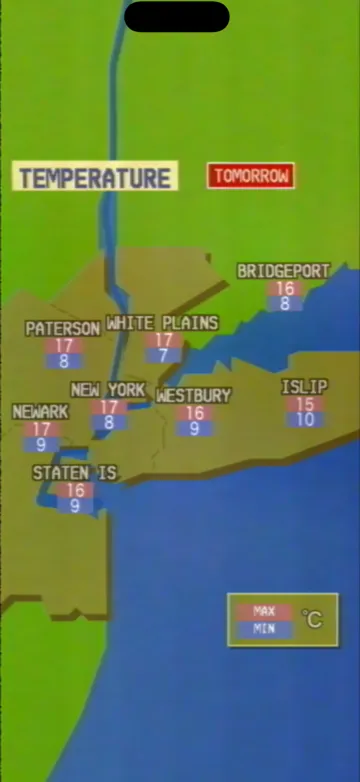
Highs and lows
Tomorrow’s high and low for each area, on red and blue plates.
-
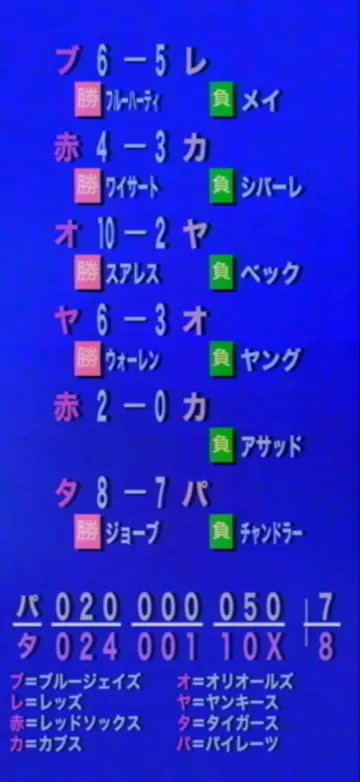
Your teams’ scores
Baseball from around the majors, your local club first with its line score, and final scores for nearby football, basketball and hockey clubs, where the city has them. Turn any sport off in Settings.
-
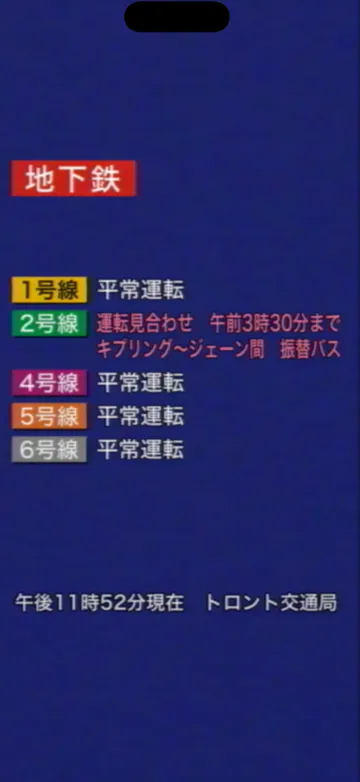
The trains
Whether the lines are running normally, and the closures planned, in Toronto, New York, London, Chicago, San Francisco, Seattle and Boulder, and the New York subway on the Croton-on-Hudson reel.
Japanese, English or both in turn
English cards follow the same 1984 rules as the Japanese ones. On a phone set to Japanese, Telop starts in Japanese. On any other, each card comes up in Japanese for a moment, then in English. Temperatures follow your phone’s Temperature Unit if you’ve set one, otherwise the city’s own (℉ in the U.S.). Change either in Settings.
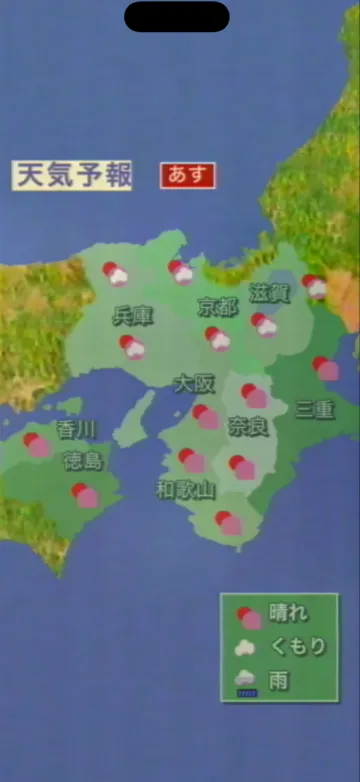
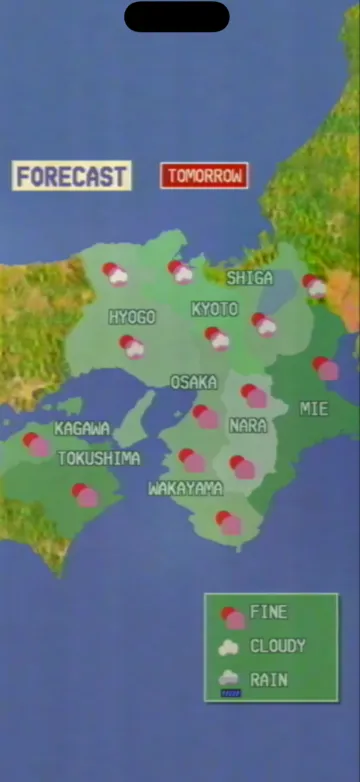
Seventeen cities
Each time it starts, Telop uses your approximate location, on your phone, to pick the nearest of the seventeen, however far away you are. The location itself is never stored or sent. Say no, and Telop picks by your time zone.
How to watch
Each loop is a real screen recording of the app.
-
Swipe left or right
Change cards. The island at the top of the screen (the Dynamic Island, or a pill under the notch) shows the card index as you go.
-
Touch and hold
Pause on the card you’re watching. Hold again to play.
-
Pull down from the island
Settings: language, units, sports, widgets and credits. Tap the island instead for the card index, with the name of the card you’re on.
-
Turn it sideways
It plays in landscape too, at up to 120 frames per second on iPhones with ProMotion.
No account. No ads. No tracking.
Nothing to sign up for, no advertising, no analytics. Read the privacy policy.